


|
|
Celestron SkyScout Scope 90 - 3.5" Refractor on Alt-Azimuth Mount
-
New lower price!
- Wouldn't it be nice if you could attach your Celestron SkyScout Personal Planetarium to a telescope and see the objects the SkyScout points out up close?
- The Celestron SkyScout Scope 90 telescope will do just that! Attach the SkyScout to the 3.5" refractor with the included bracket, turn on the SkyScout, and away you go!
- The easy to use alt-azimuth mount and tripod allows users of any age to move easily around the sky, with or without the optional SkyScout as a guide.
- Includes two eyepieces, a image-erect 6x30 finderscope, and SkyScout bracket.
|
Discover, Explore and Learn with the Celestron SkyScout Scope!Designed exclusively for use with the Celestron SkyScout Personal Planetarium, the new SkyScout® Scope 90 is easy to set-up, nearly maintenance-free and features Celestron’s precision optics. Simply attach the Celestron SkyScout® (sold separately) to the specially designed mount to locate and identify celestial objects. Once the SkyScout® has located or identified an object it’s time to
take your celestial experience to the next level and use the SkyScout® Scope 90 to reveal the wonders of the universe. Celestron SkyScout® Scope 90 Features...- 90mm refractor optical design with all coated glass optics and 660mm (f/7) focal length for crisp, clear images
- Quick and easy no-tool setup
- Erect image 6x30 finderscope with quick-release bracket
- Erect image optics are ideal for terrestrial and astronomical use
- Pan handle control with clutch for smooth and accurate pointing
- Rugged pre-assembled tripod with 1.25" stainless steel tube legs provides a rigid and stable viewing platform
- Accessory tray for convenient accessory storage
- Adjustable bracket to hold SkyScout (SkyScout Personal Planetarium sold separately).
Celestron SkyScout Scope Specifications...- Eyepieces: 40mm (16.5X & 10mm (66X)
- Finder: 6x30 Erect-Image with Quick Release Bracket
- Optical Coating: Fully Coated
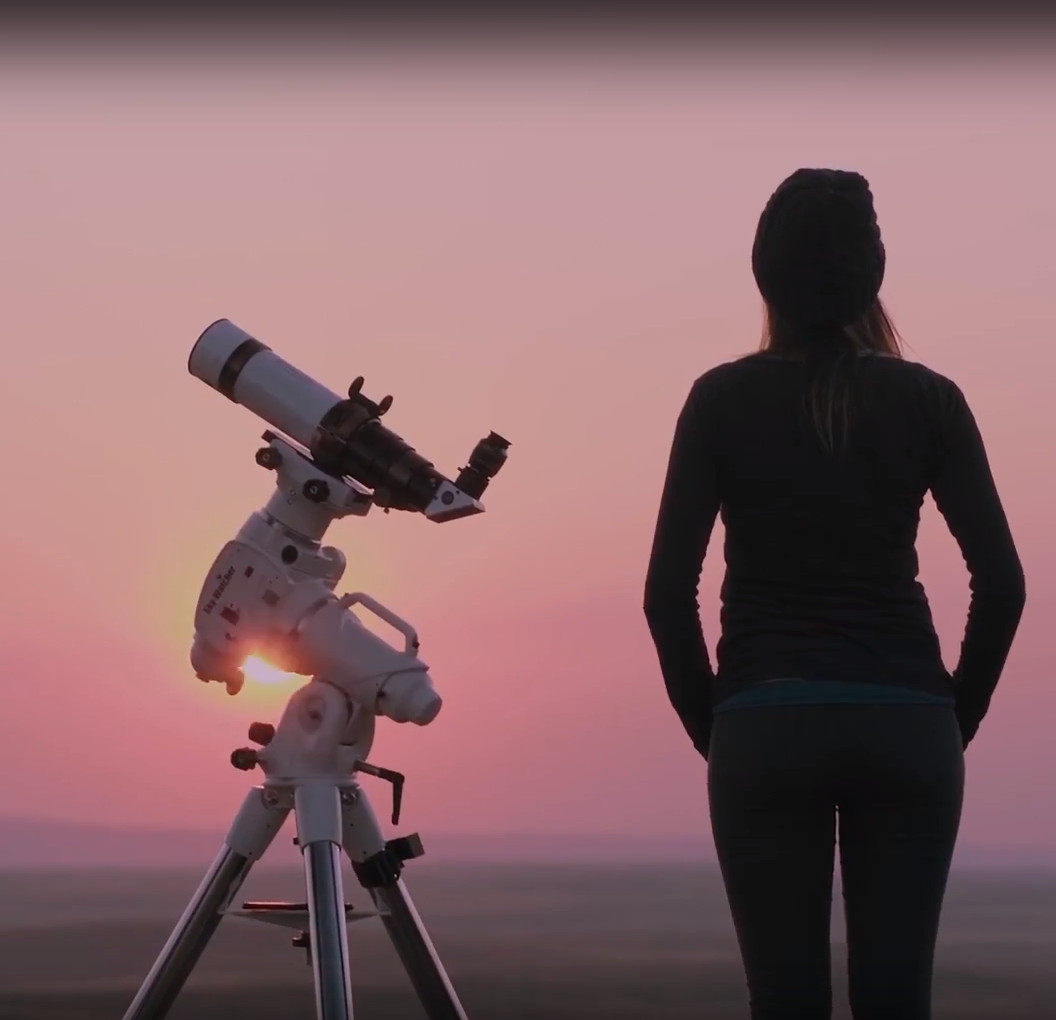
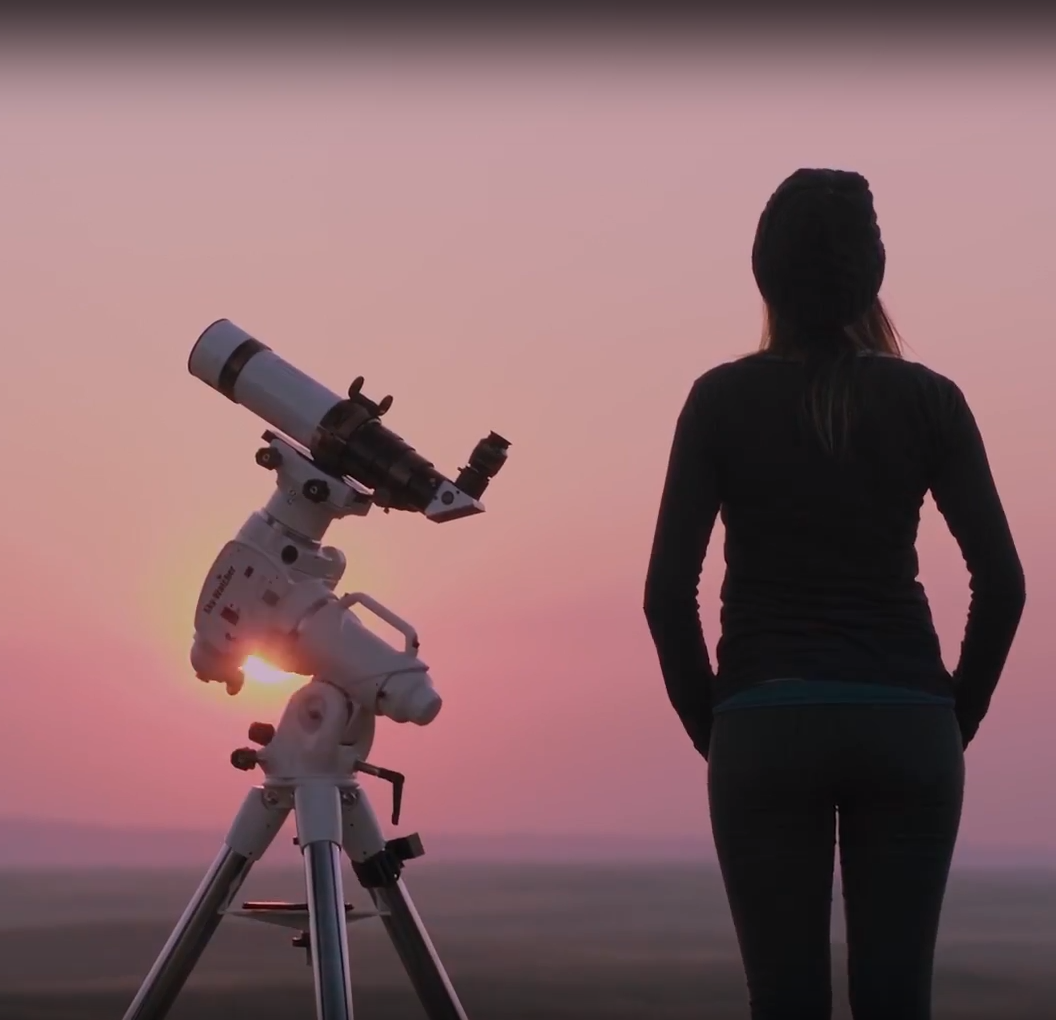
Image shows optional SkyScout Personal Planetarium. Click on the Images/Articles tab to your left for more pictures!
|
|
|
|